Using LEARNZ
A virtual field trip gives you access to online video and audio feeds, activities and much more.
Every year LEARNZ offers a variety of online field trips that allow ākonga (students) to connect with people and places all around New Zealand and beyond. No permission slips required!
Your ākonga can visit all kinds of places, across a range of learning areas, from the comfort of their classroom or home. Let LEARNZ take your ākonga there!
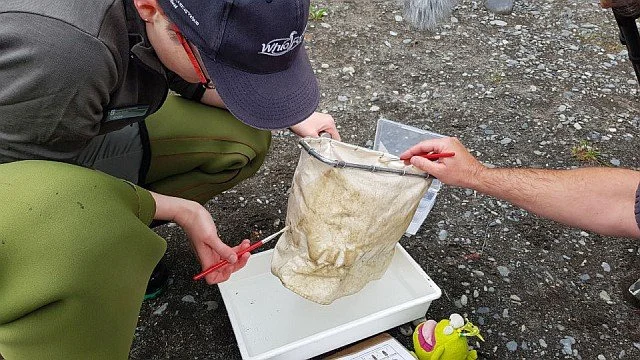
Sign up
Subscribe to LEARNZ to find out about upcoming field trips as well as existing field trips that align with current events and new curriculum initiatives.
Visit the LEARNZ homepage to sign up to the latest online field trips.
-
Teaching and learning sequence
On the day that all the material is published for a LEARNZ trip, the first email is sent to signed-up teachers suggesting how they could use the website and other support material.
In addition to the first email which contains all the web links, the following generalised information will help teachers to plan, especially for those new to LEARNZ. Some teachers use all these components, in order, while others cherry-pick the parts that are most relevant to their learners. It’s up to you.
Watch the intro video - play it to your learning group. It sets the scene, showing how the trip fits into big-picture ideas, and points out the highlights and builds anticipation to help motivate learners.
Read or listen to the Discover pages. These reading pages written by LEARNZ educators, help build domain knowledge while introducing English vocabulary and Māori keywords.
Go on the immersive Google Earth tour, so learners feel like they are on a journey.
Watch the field trip videos in the Google Earth tour or watch them separately.
Book in to take part in a live web conference, where your learners can put questions directly to our experts and have them answered straight away. You will be supported by email to help you take part, if needed. Signed-up teachers up will be notified about replaying the recording(s).
As the teacher, fill out the online field trip evaluation (the link will be in one of the later emails sent to signed-up teachers).
Present your learning in a syndicate or school-wide assembly.
Sign up to engage in LIVE web conferences with experts
Signing up to an online field trip allows your ākonga to engage directly with experts in an interactive web conference held approximately two weeks after the online field trip has been launched.
What your class will experience in a LIVE web conference:
Meet the experts who have presented the field trips
Share ideas
Ask questions
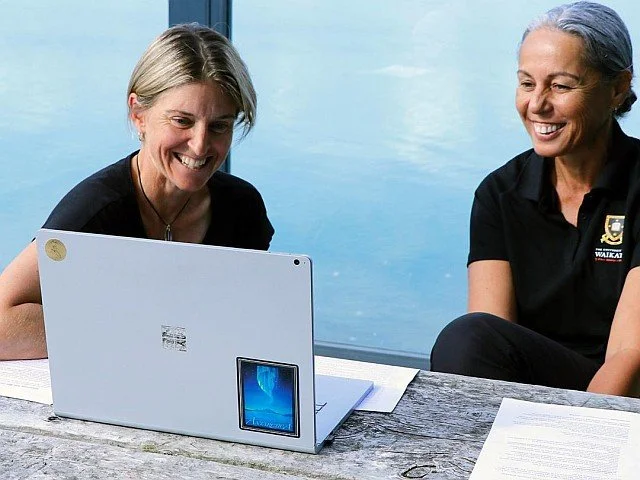
Participate
There is no one way to use LEARNZ. You and your ākonga can use all the components of a field trip or pick and choose what’s most relevant to your class. The following information is a guide to help you drive learning and support ākonga to engage effectively in online field trips.
Spark curiosity, activate prior knowledge and build learning
Each field trip package includes material to prepare for an online field trip. Use these supporting resources to spark curiosity, activate and build background knowledge and learning. Engaging with the supporting resources will provide ākonga with context for travelling online with LEARNZ.
The supporting resources typically include:
An introductory video to engage ākonga in the field trip topic; ākonga meet the LEARNZ field trip teacher and find out about the field trip location.
Background discovery reading to build knowledge and introduce curriculum concepts. These pages provide next steps for further inquiry and an audio file so ākonga can listen to the pages being read.
Activities or questions based on concepts introduced in the background readings.
Explore the supporting resources using questions such as:
What do they already know or think about this topic?
What do they want to learn?
What are they wondering about?
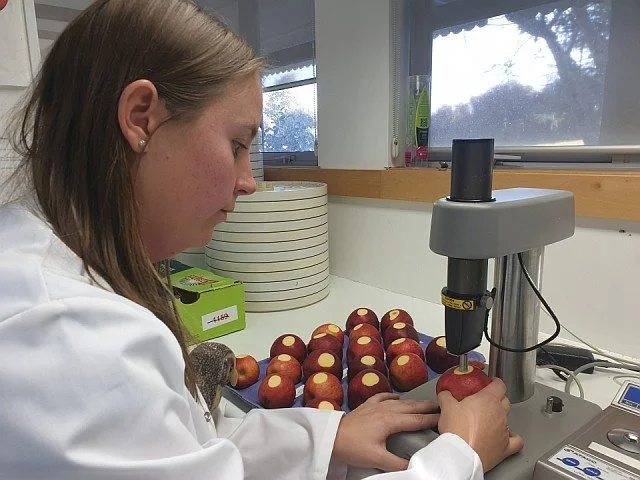
Travel online with us
Travel online with a LEARNZ teacher to a real place to meet field trip guides and experts.
During the online field trip the LEARNZ teacher shares the experience through:
a Google Earth tour
videos with field trip guides
live web conferences where ākonga can ask their own questions.
Connect ākonga with these resources to deepen their curiosity, support learning and develop their own inquiries. By engaging in an online field trip, you and your ākonga may notice parallels to challenges in your own school and community, develop solutions, and take action.

Participate in our live field trip web conferences
All LEARNZ field trip web conferences are streamed live using Zoom and are free to access for teachers registered with LEARNZ. If you have signed up to a particular field trip, you will be sent an email with a link to book into LEARNZ web conferences. Web conferences usually take about 25 minutes.
Book in as a speaking school
As a speaking school ākonga can engage with field trip guides and experts by asking questions relevant to the field trip. Ākonga prepare questions in advance and email them to the LEARNZ field trip teacher prior to the web conference.
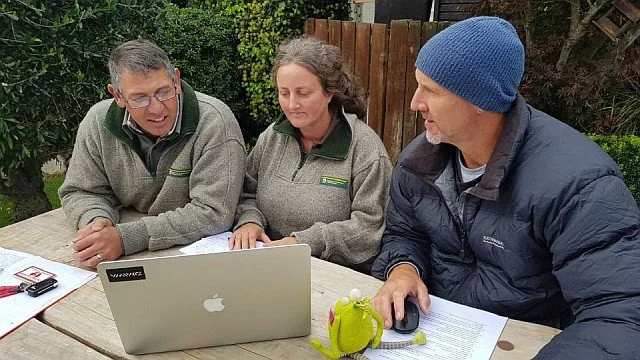
Book in as a listening school
As a listening school ākonga can listen to field trip guides and experts answer questions from speaking schools. They can ask questions relevant to the field trip if there is time during the web conference.
Both speaking schools and listening schools can add further questions in the chat space after the speaking schools have asked their questions.
Keep ākonga on task during the web conference by:
giving ākonga a web conference summary sheet
sharing your screen so all ākonga can see the web conference
drawing a mind-map or recording notes.
After the web conference, take a few minutes to respond to questions, ideas and comments. Check over the key ideas from the web conference. You may want to listen to the web conference again using a link to the recorded file sent to those enrolled.
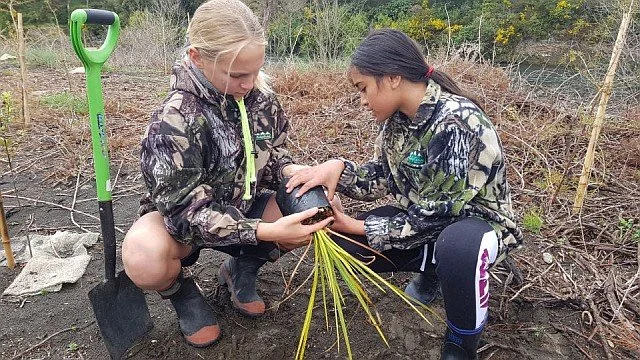
Take action
Encourage ākonga to take action based on their field trip experience.
After the field trip, students can:
revisit material
complete web conference summaries
lead action in their school, local area, or community based on where the key learning in the field trip takes them.
Consider the following to take action:
How is the need identified?
What steps are taken to address that need?
Who needs to be called in to help?
What change came about as the result of this action?
What might have been challenges for this project?
Some examples of sharing include:
school and whānau assembly or hui
school newsletter
local media
approved social media spaces
a class or school website or blog.
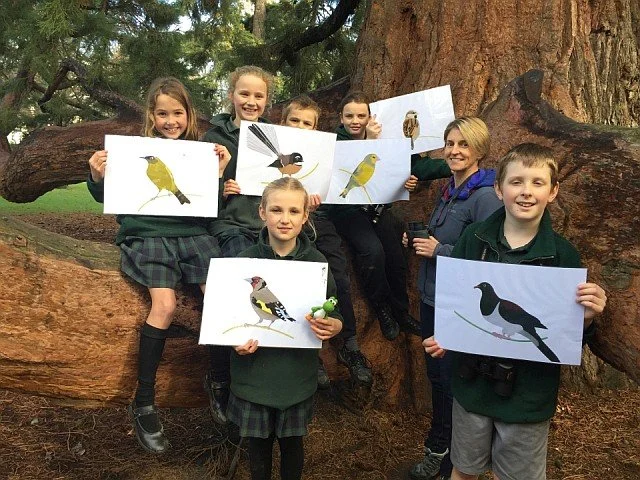
Use and share LEARNZ material
LEARNZ is part of Tātai Aho Rau Core Education, and supports the sharing of quality educational material.
We use a Creative Commons Attribution-NonCommercial. You can share LEARNZ material but you may not use the material for commercial purposes (you can't sell what you create).
You must give appropriate credit, provide a link to the licence, and indicate if changes were made. You may do so in any reasonable manner, but not in any way that suggests the licensor endorses you or your use.